
SmartgridOne logo
SmartgridOne logo
Accessories
AppCertificates
Configuration from A to Z
Control response timeController
Customer Specific
Devices
Boiler
Cloud
Energy Meter
Ev Charging Station
a-TroniXABBAlfenAlpitronicAmtronAutelBlitz-PowerEaseeEnovatesEtrelEVChargeKingFLEXeCHARGEGo-eHuawei EV ChargersIlumenKempowerMyEnergi EV Charging StationsNexBlueOCPPPeblar EV Charging StationsRaedianSchneider ElectricSiemensSMA
Smappee
Smappee EV ChargerSofarTeltonika EV Charging StationsTriathlonVetonVolt-TimeVoolWallbox EV Charging StationsXargeon / ZhongDe EnergyZaptec
Gas Meter
Heat Pump
New integrations
Plc
Pv Hybrid And Battery Inverters
Switched Loads
Water Meter
External Signals
InstallationLicenseNetworkQuick StartSafety, maintenance and legal noticesSpecificationsStatus LEDs
Toolbox
Troubleshooting
Video tutorialsWiring & connectivity guidelines
DevicesEv Charging Station

Go-e EV charger

Go-e

Supported Devices

Device TypeModbus TCP (Ethernet)RS485
Go-e EV charger✅❌

Configuration

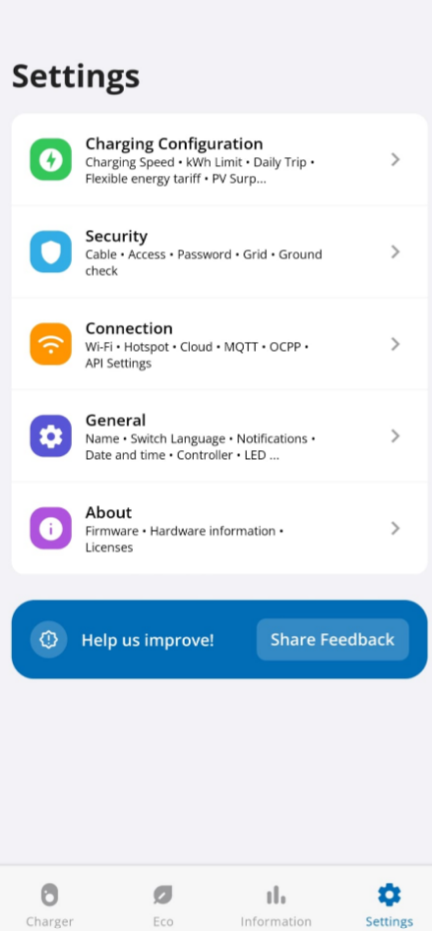
  1. In the go-e application, go to your device, then "Settings".

  2. Go in the "Connection" tab.

Image 1
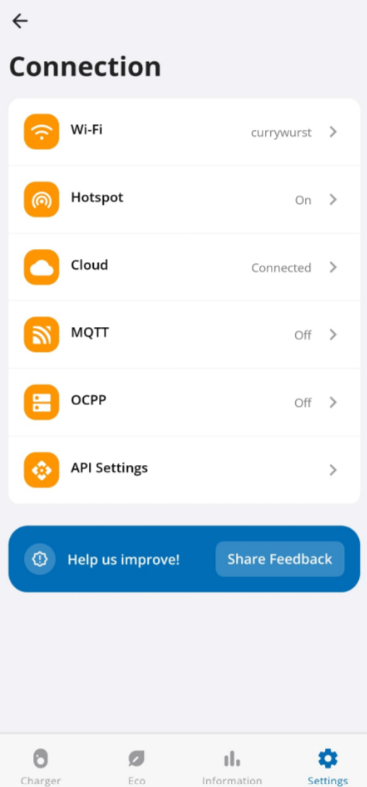
  1. Go in the "API Settings" tab.
Image 1
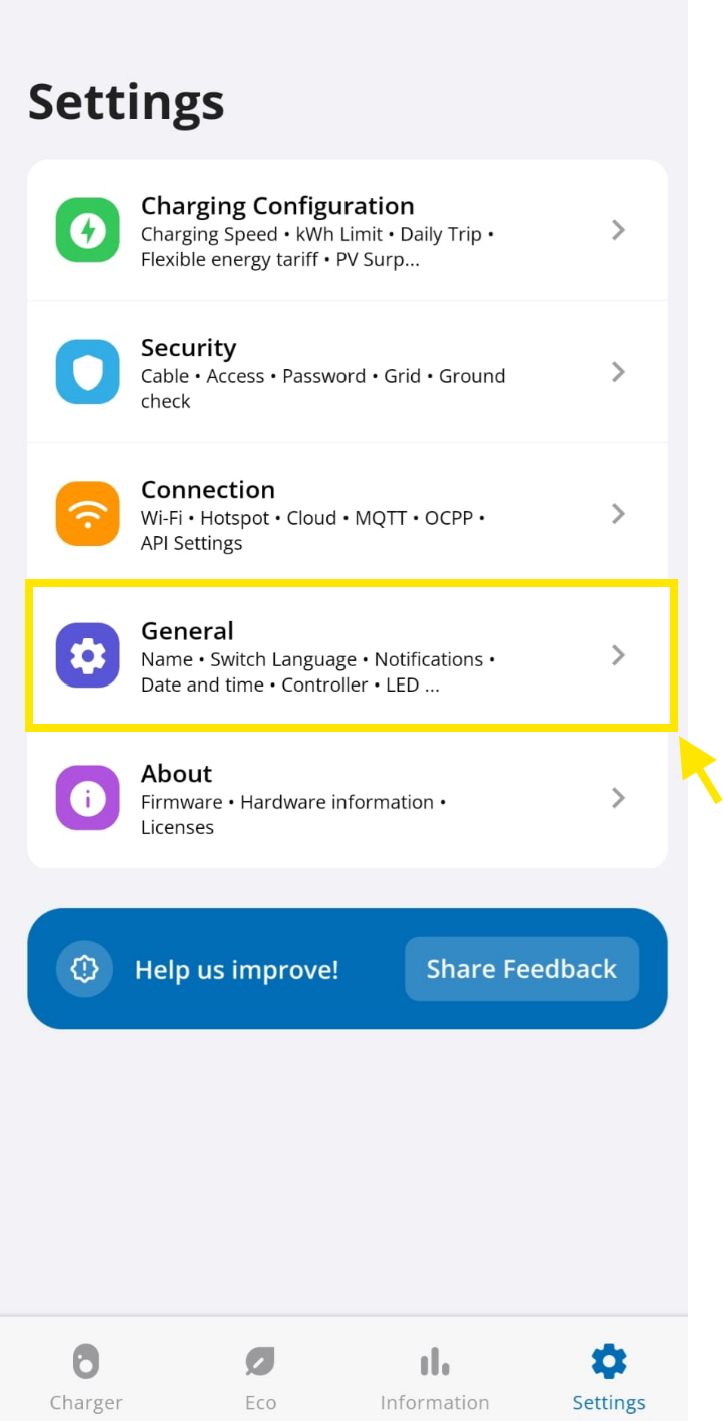
  1. Be sure that the "Allow local Modbus TCP API" and "Swap Registers" option are enabled.
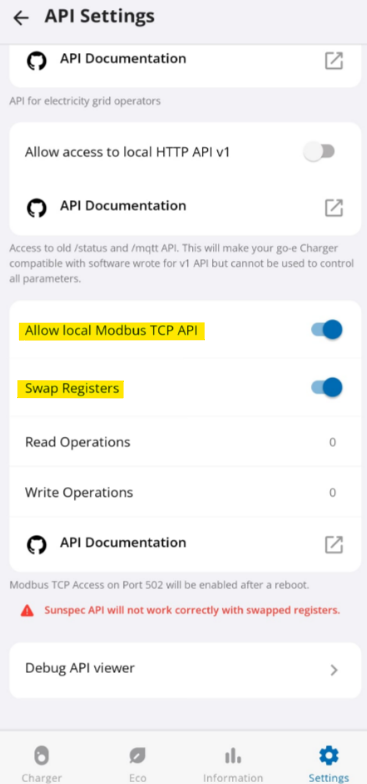
Image 1
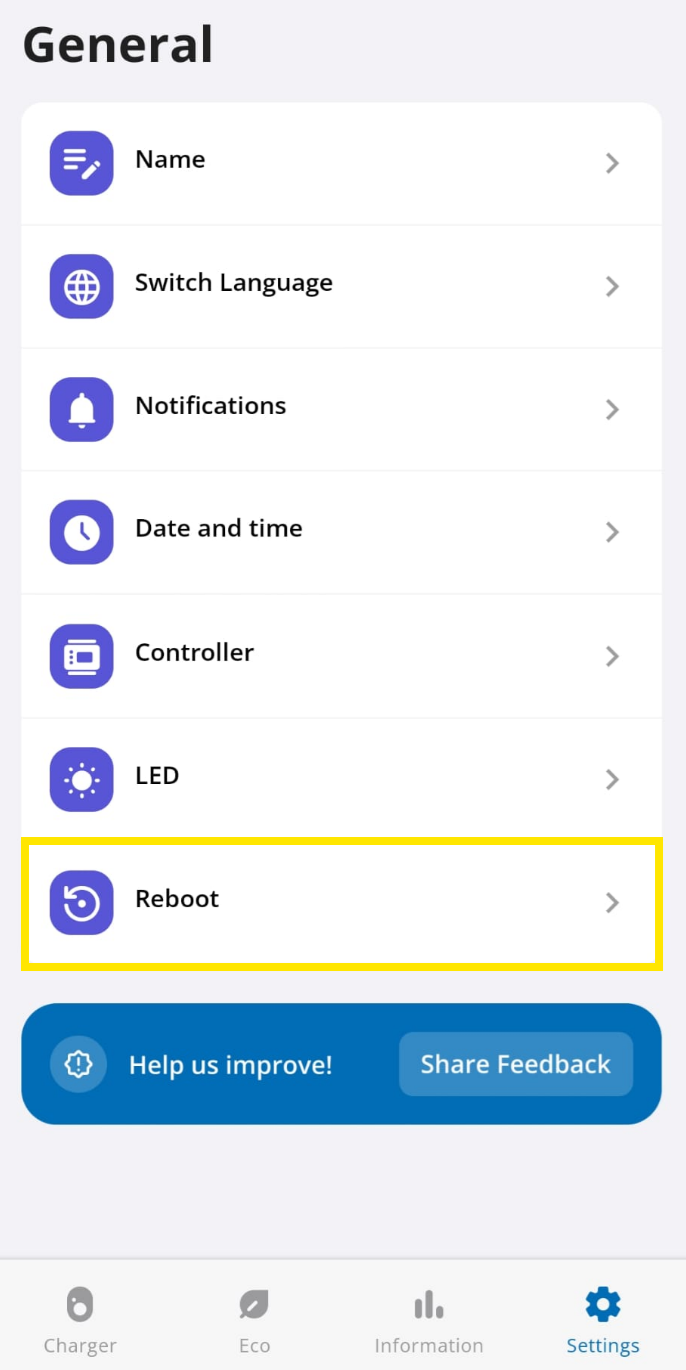
  1. Then reboot your go-e.
Image 1
Image 1
Edit this page

FLEXeCHARGE

Previous Page(pagination)

Huawei EV Chargers

Next Page(pagination)

On this page(table of contents)

Go-e EV chargerSupported DevicesConfiguration